RyderDocument
Welcome to the
Ryder Document Contract Search Help Screen
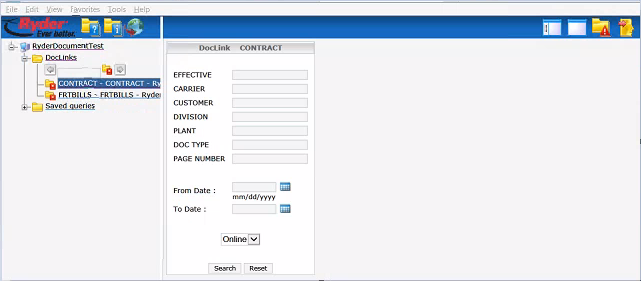
This screen allows you to search for a Contact.  At least two fields should be filled in for best results.
Any combination is allowed to perform a search.  You can use the following wild-card character '*' in your searches, e.g.
EFFEC: '20*0101', or '*180101', or '2018*'.  The wild-card can't be used in the From or To date fields.
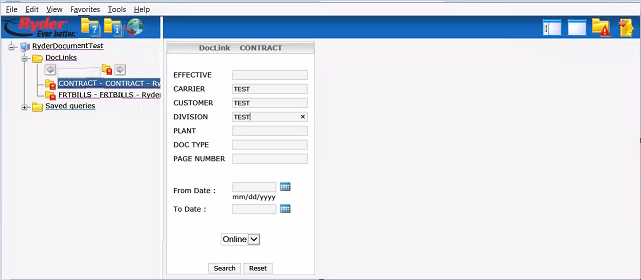
This screen shows test data being entered while searching a contract.
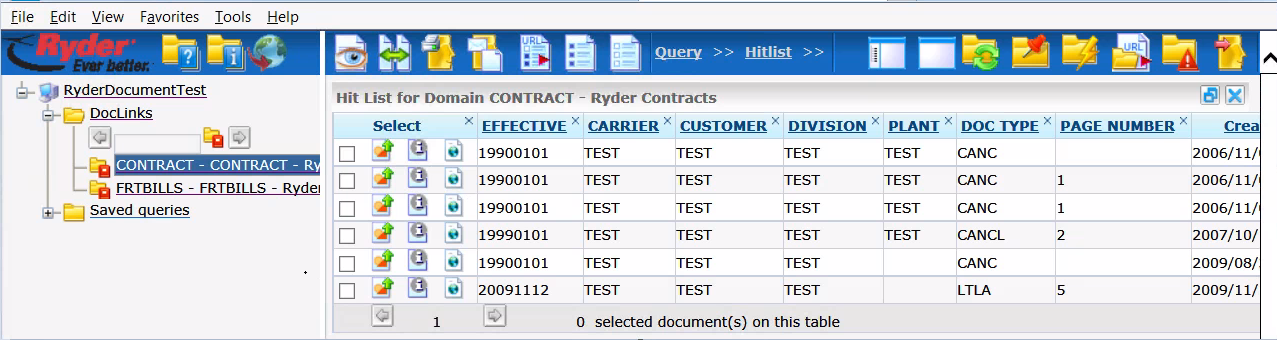
After pressing the Search button, and if data exists, this screen will be displayed showing results.